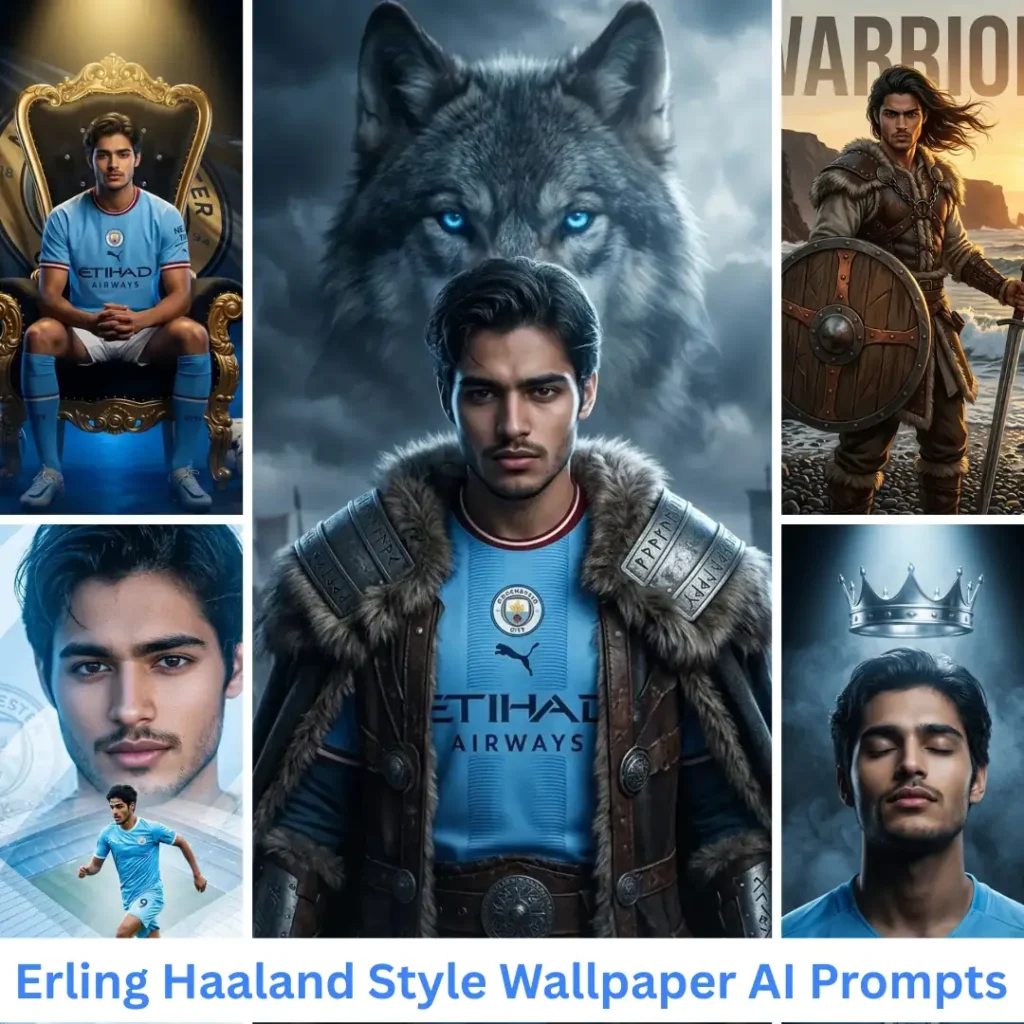
Trending Now · Updated Weekly

Copy Trending AI Photo Prompts for
Gemini & ChatGPT

Upload your photo, paste a prompt, and get an edit that looks real in under a minute. Every prompt is tested before it goes on this site.

Free Forever
No Signup
Identity Safe
Tested Prompts
500+ Tested Prompts
50K+ Monthly Users
8 Categories
100% Free Forever

Simple 3 Steps

How to Use a Gemini AI Photo Prompt in 3 Steps

No design skills needed — just copy, paste, and create

1

Pick Your Prompt

Browse our prompt library by category: girls, boys, couples, golden hour, Old Money aesthetic, cinematic portraits, Halloween, Christmas, LinkedIn headshots, and more.

2

Copy and Paste

Hit the Copy button. Open Google Gemini or the Gemini app on your phone. Upload your photo, paste the prompt, and tap Generate.

3

Paste & Generate

Gemini processes your prompt — usually in 10 to 30 seconds with Nano Banana — and returns your transformed photo. Download it, share it, done.

Frequently Asked Questions

A Gemini AI photo prompt is a text instruction you paste into Google Gemini alongside your uploaded photo. Gemini reads the prompt and transforms the image — changing style, lighting, background, or aesthetic based on your instructions. The more specific the prompt, the more accurately Gemini delivers the result you want.

Gemini is a generative model — it rebuilds the entire image from scratch rather than making surgical edits to specific areas. Without explicit face-preservation language in your prompt, it generates a face similar to yours but not identical. Every portrait prompt on PixPromptly includes tested identity-preservation instructions that anchor your exact facial features, skin tone, and eye color through the generation.

Include specific quality modifiers in your prompt: “ultra-realistic 4K,” “natural skin texture,” “photorealistic skin pores,” “8K sharp focus,” “shallow depth of field.” These signal to Gemini the quality standard you expect. Also use a sharp, well-lit, high-resolution source photo — Gemini builds on the quality it receives, and a blurry selfie produces a blurry output even with a perfect prompt.

Nano Banana (Gemini 2.5 Flash Image) works well for most style transfers and aesthetic edits on the free tier. Nano Banana Pro delivers noticeably better facial identity preservation and skin texture detail for professional headshots and precision portrait work. Every PixPromptly prompt is labeled with the model it was tested on.

Most prompts in our library produce strong results in ChatGPT (GPT Image 2) since both models respond to the same detailed, structured format. Midjourney uses a different syntax and may need adjustments. Where a prompt has been tested on multiple tools, the prompt page notes it.

Use the six-part formula: Subject + Style + Lighting + Camera/Lens + Mood + Resolution. Be specific at every step — “warm amber golden hour backlight, 85mm portrait lens, ultra-realistic 4K” produces a dramatically different result than “nice lighting.” Our prompt formula guide walks through every element with real tested examples and shows the before/after quality difference.

Yes — completely free. No account, registration, or subscription required. Copy any prompt and use it directly in Google Gemini. The only cost is if you choose to upgrade to Gemini Advanced for Nano Banana Pro access — but our entire prompt library works on the free Gemini tier.

Stay Ahead

Get Latest Gemini AI Photo Prompts — Free

New trending gemini photo prompts every week. Be the first to try viral styles before everyone else.

No spam · Unsubscribe anytime · 100% free